
simshotApp Store screenshots.
Zero XCUITest.
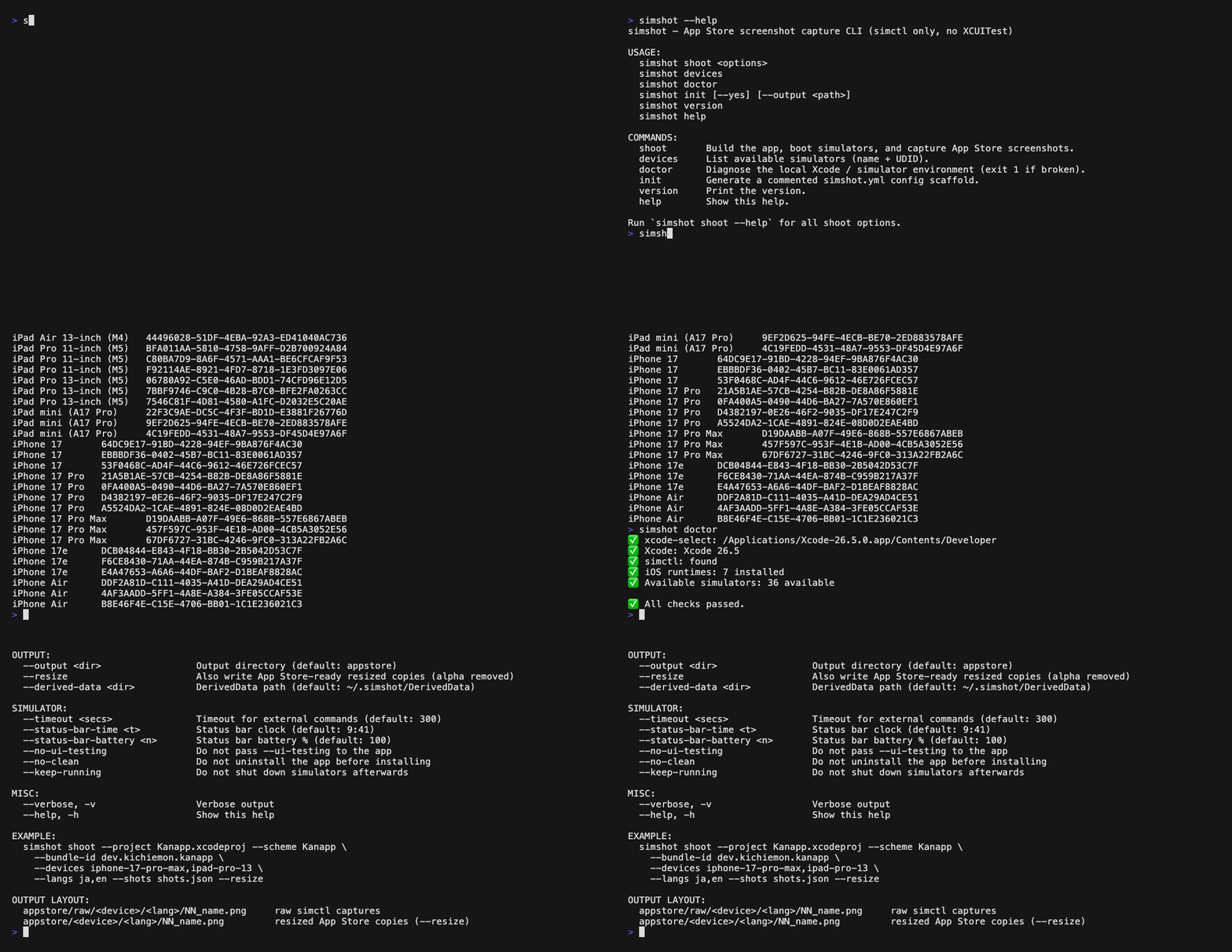
Capture App Store-ready screenshots from the iOS Simulator with simctl only — no test runner, no flaky element queries, no hangs.
Capture App Store-ready screenshots from the iOS Simulator with simctl only — no test runner, no flaky element queries, no hangs.
fastlane snapshot drives the UI through XCUITest, which means maintaining test targets, fighting flaky element queries, and dealing with runner crashes. simshot inverts the model: the app itself navigates to each scene (reading a documented launch-argument protocol), and simshot just drives simctl with a hard timeout on every step.
| simshot | fastlane snapshot | |
|---|---|---|
| UI automation | None — simctl only | XCUITest runner |
| Hangs | Hard timeout on every command | Can hang CI |
| Ruby | No | Ruby + fastlane + gems |
| Test target | #if DEBUG handler in your app | Dedicated UI test target |
| Status bar override | Built in | Plugin |
| Resize to App Store sizes | Built in (--resize) | Separate tooling |
| Multi-language | --langs ja,en | Per-locale setup |
| Dependency footprint | Zero | Dozens of gems |
No test targets, no element queries, no runner crashes. The app navigates itself via a tiny #if DEBUG launch-argument handler.
Every external command runs through a timeout + retry wrapper, so a stuck simulator or crashed app can never stall your CI.
--langs ja,en re-launches each scene per locale via -AppleLanguages / -AppleLocale.
--resize flattens alpha, matches the exact device aspect ratio, and writes the 1320×2868 / 1290×2796 / 1242×2688 / iPad sizes you submit.
Install script, curl one-liner, Homebrew, Nix, mise, npm, Mint, or build from source. A prebuilt binary ships for macOS arm64 + x86_64.
Installable as a reusable skill for Claude Code, opencode, and Codex via npx skills add kichiemon/simshot.
# Fastest: install script (detects arch, verifies sha256)
curl -fsSL https://raw.githubusercontent.com/kichiemon/simshot/main/install.sh | bash# Homebrew
brew tap kichiemon/homebrew-tap
brew install simshot# Single binary (curl)
curl -sL https://github.com/kichiemon/simshot/releases/download/v0.1.1/simshot-macos-arm64 -o /usr/local/bin/simshot && chmod +x /usr/local/bin/simshotAll eight install paths are documented in the installation guide.


